
Scene-aware fills, not patch copies
A clone stamp repeats nearby pixels and leaves smears. AI inpainting reads the surrounding texture, light direction and perspective, then synthesizes the missing area so it belongs to the photo.
Don't reshoot — inpaint it. Remove objects, fix flaws and fill missing areas from a text prompt: photoreal edits that keep the original texture and lighting intact, rendered in minutes.
Two ways to start:
Free daily credits. No install. Texture and lighting preserved.
Skin, fabric, hair and light fall-off — inpainting only works when these survive the edit. Every portrait below was generated with VidGlory's image inpainting engine from a single prompt, texture intact.
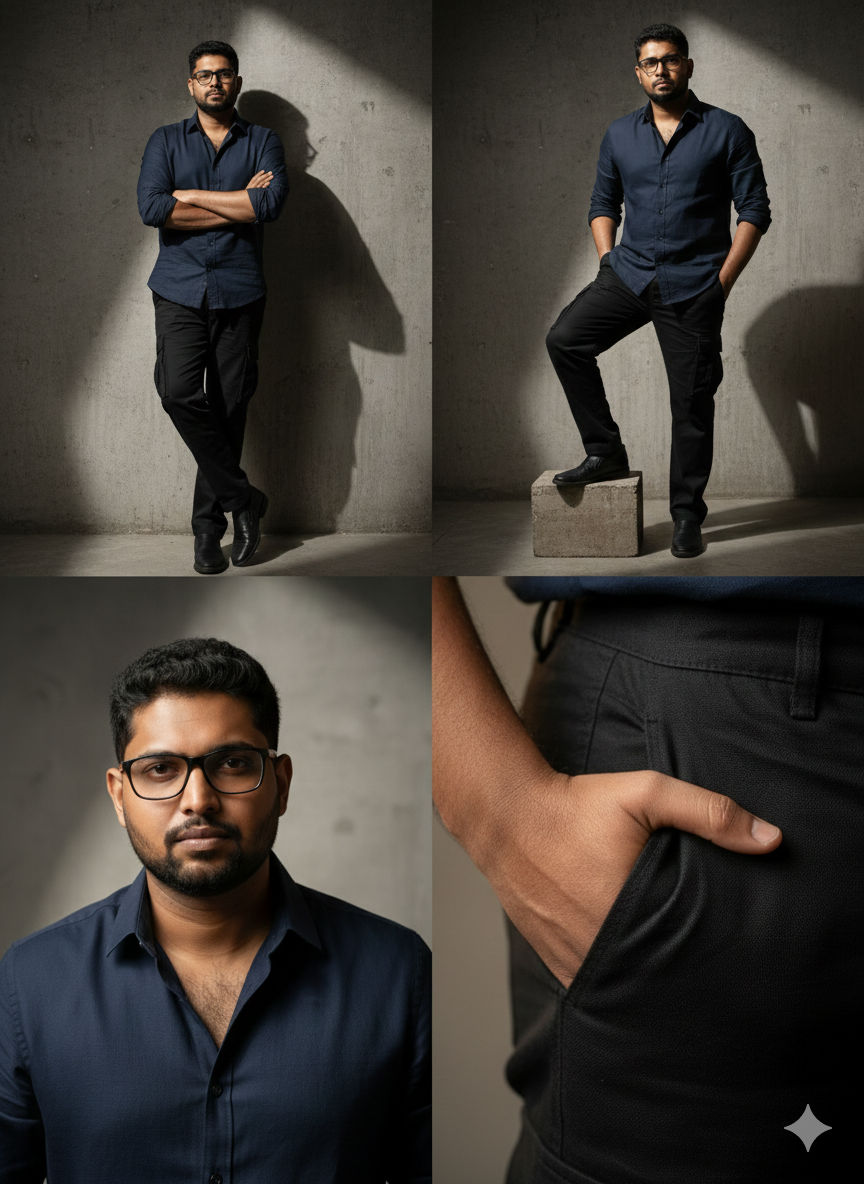

Generated end-to-end on VidGlory — the same engine that renders your inpainted edits.
Remove, replace and reconstruct — tuned for photoreal edits.
Erase power lines, passers-by, logos and clutter from any photo — the AI fills the gap with scene-matched texture in one pass.
Walls, skin, product surfaces: dents, stains and scratches are inpainted away while surrounding grain and shading stay untouched.
Extend cropped edges, fill occluded regions and rebuild what was cut out — the model completes the scene with perspective-correct content.
From flawed photo to clean edit in minutes — entirely in the browser.
Drop in any JPG or PNG. The engine reads the scene — textures, lighting and perspective — before you write a single word.
Say what to remove or fill. Seedance 2.0 is preselected to render the inpainting with photoreal texture and intact lighting.
Preview the edit side by side with the original, re-prompt if needed, and download the clean full-resolution result. First credits are free.
Anyone whose photo is perfect — except for that one thing.
Remove clutter, cords and reflections from listing and catalog shots — the room or product stays pixel-identical while the distraction disappears.
Cut hours of manual cloning: prompt away photobombers, extend backgrounds and fix set mistakes, then deliver full-resolution files as usual.
Fix the one flaw in an otherwise perfect shot — remove a stray object, fill a gap, clean a background — without re-shooting or learning a full editor.
Upload the shot at the top of this page, prompt the edit, and render a photoreal inpaint free — no install, no timeline.
More ways to create and polish visuals with VidGlory.