
One photo becomes a full cast member
Design my avatar used to mean commissioning a 3D artist for weeks. Now a single front-facing photo is enough — the engine builds a hyper-realistic digital twin that keeps your likeness across every scene.
Bring your digital identity to life. Upload one photo and design a custom AI avatar — a hyper-realistic digital twin with perfect lip-sync and cinematic motion, ready to star in your videos.
Two ways to start:
One photo. Free credits. No editing skills required.
Every style below was generated with VidGlory's avatar engine — cinematic, realistic, and unmistakably you.
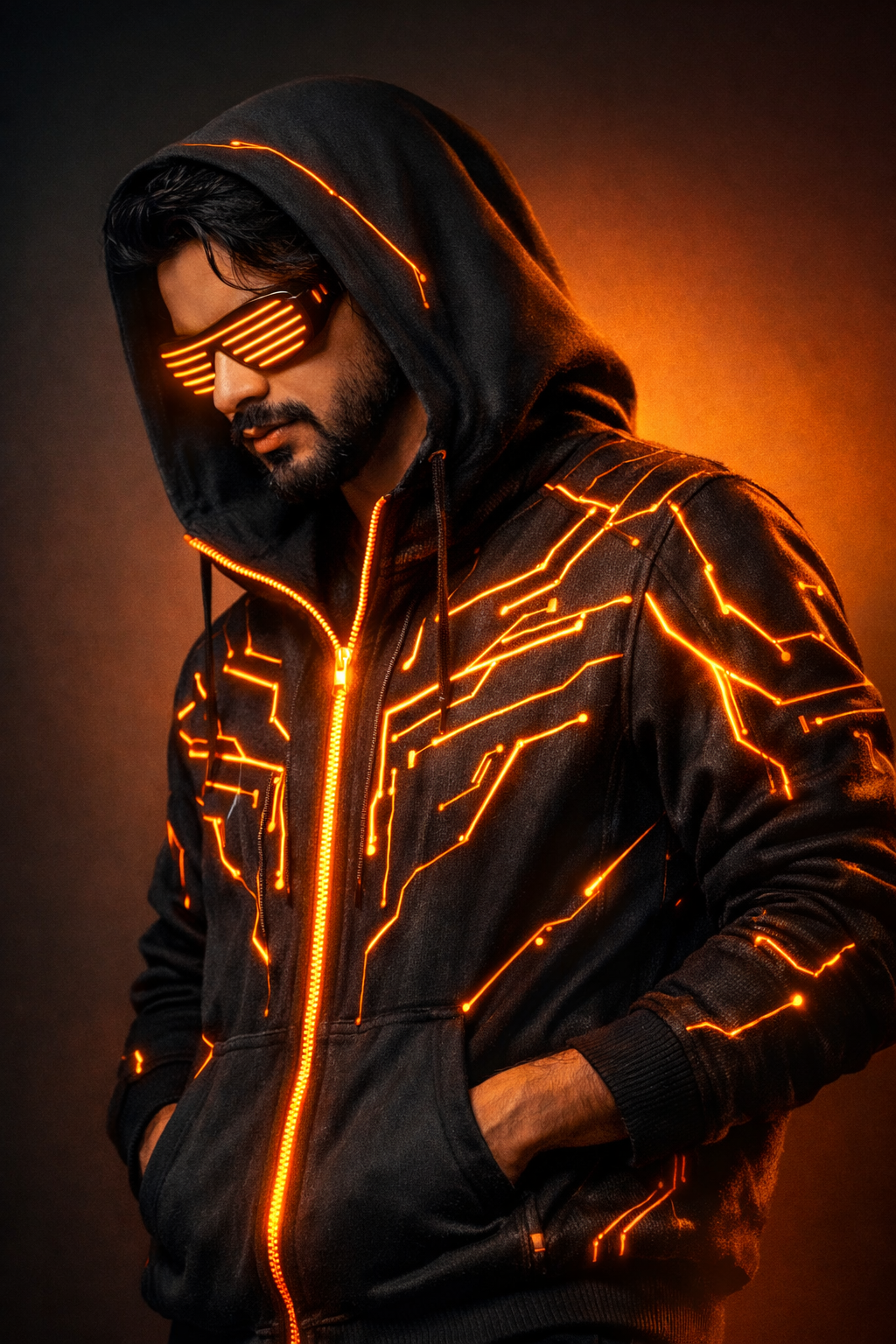
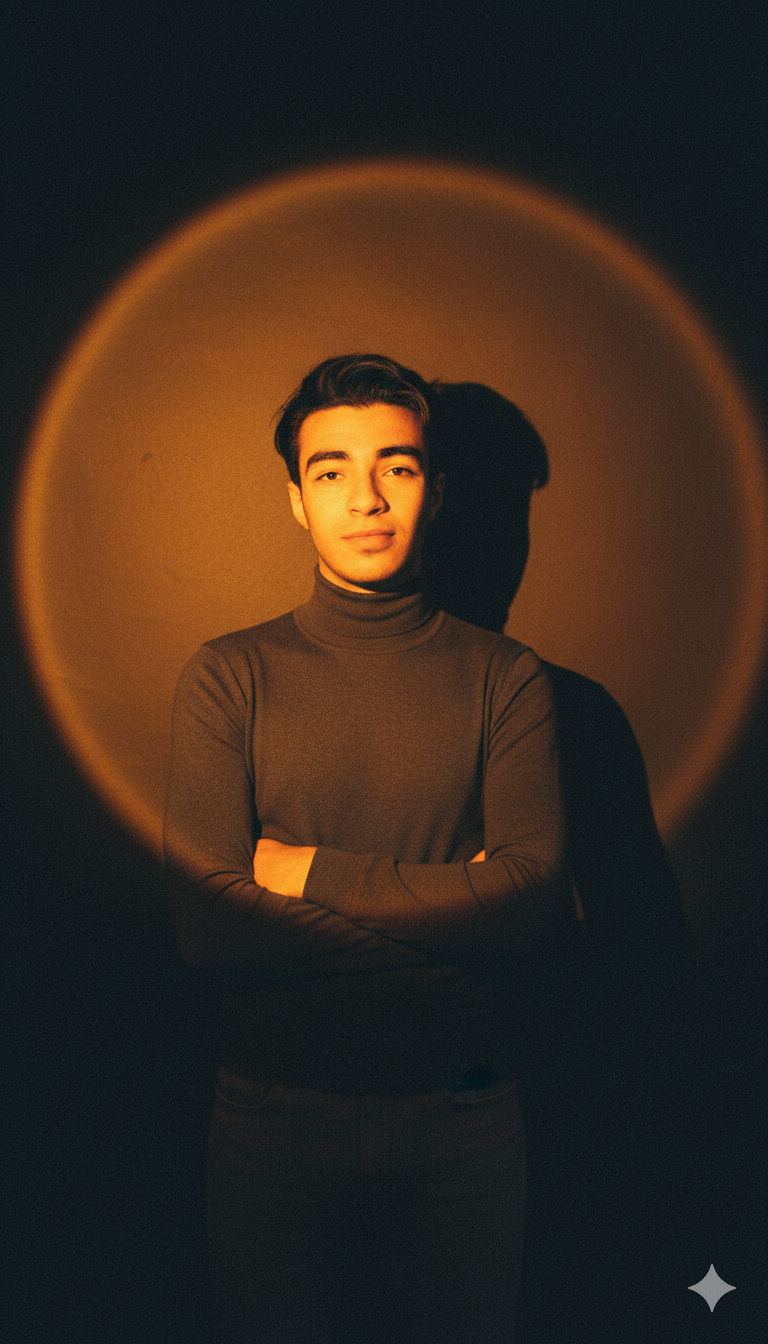
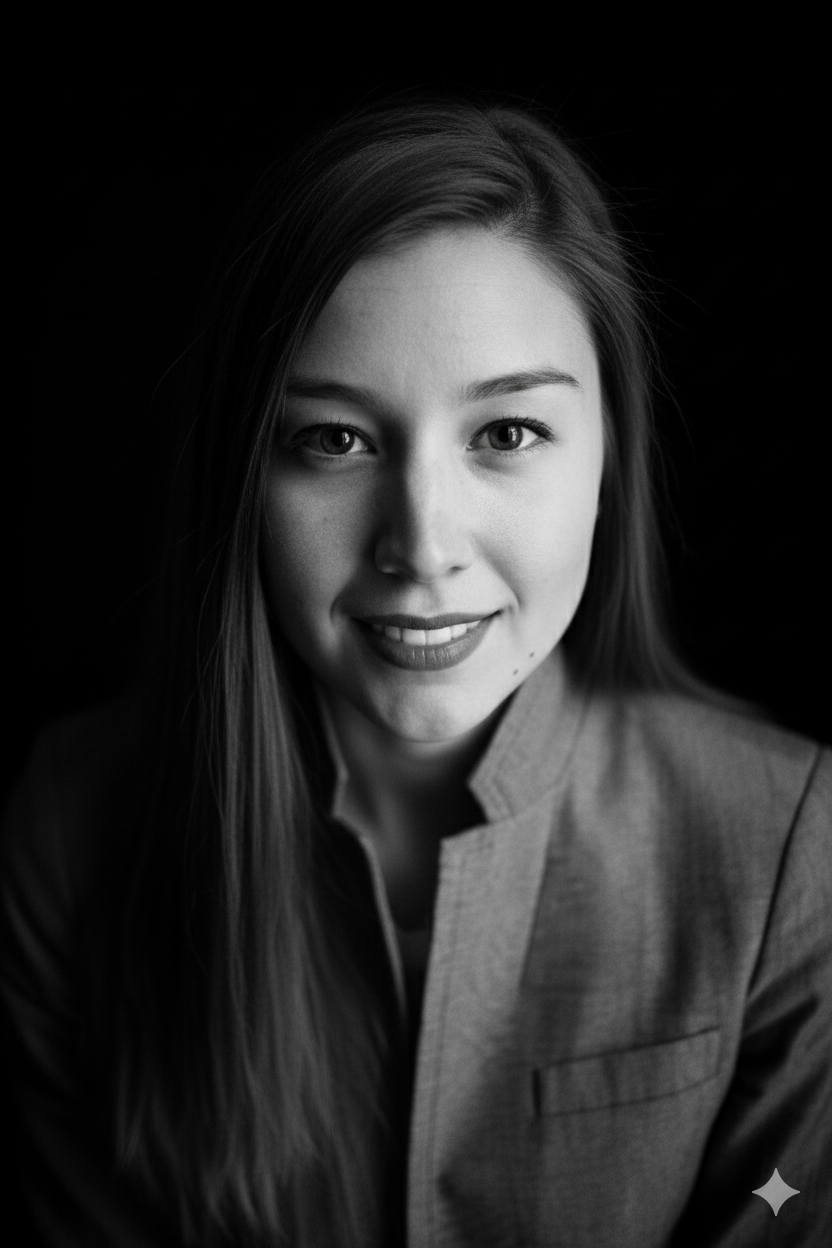
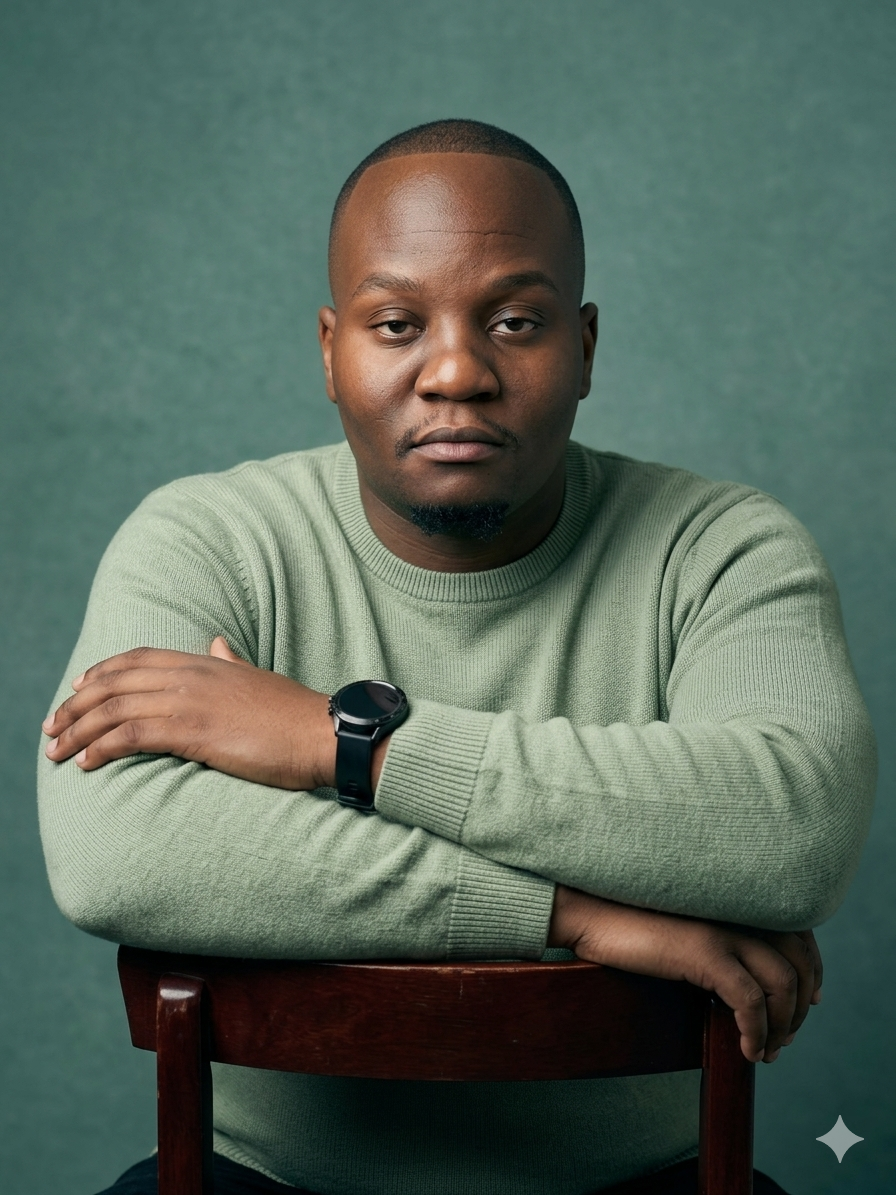
Generated end-to-end on VidGlory from single reference photos — no stock photography.
Identity-preserving generation tuned for people, not just faces.
The avatar engine preserves your facial structure, proportions and expression habits — your custom AI avatar reads as you on frame one and frame one hundred.
Keep it photoreal, push it cinematic, or restyle the same identity across looks — one reference photo supports a whole portfolio of avatar designs.
Type a script and your avatar delivers it with natural pacing and perfect lip-sync — the fastest path from copy to a finished talking-head video.
From a selfie to a performing digital twin in minutes.
A well-lit, front-facing photo is all the engine needs. Pets, products and characters work too — anything you want a digital twin of.
Seedance 2.0 is preselected in the generator below. Choose photoreal or stylized, set the aspect ratio and duration, and add a script if your avatar should speak.
Render your avatar, then direct the performance — script, camera move, expression — and export HD video for ads, social and your site.
Creators and teams that need a face on camera — without putting one there.
Run a channel without ever appearing on camera — your custom AI avatar is the host, and the likeness stays consistent from episode one to episode one hundred.
Cast a brand presenter once, then produce spokesperson videos for every campaign, market and language without booking talent twice.
Product avatars present your catalog the way the demo clip above does — one photo per product becomes a talking, moving salesperson.
One photo is all it takes — the generator at the top is set and waiting. Free credits, no editing skills.
More ways to put a face on your content.