Image Character Swap

Recast any photo with a new character — same pose, same scene, same lighting, a different face or outfit. AI image character swap keeps identity consistent across every edit, from one reference photo.

Product hero
Social ad
UGC take
Listing clip
1
26

Two ways to start:

Free daily credits. Identity consistent. No editing skills required.

Character Swap & Identity Consistency in Action

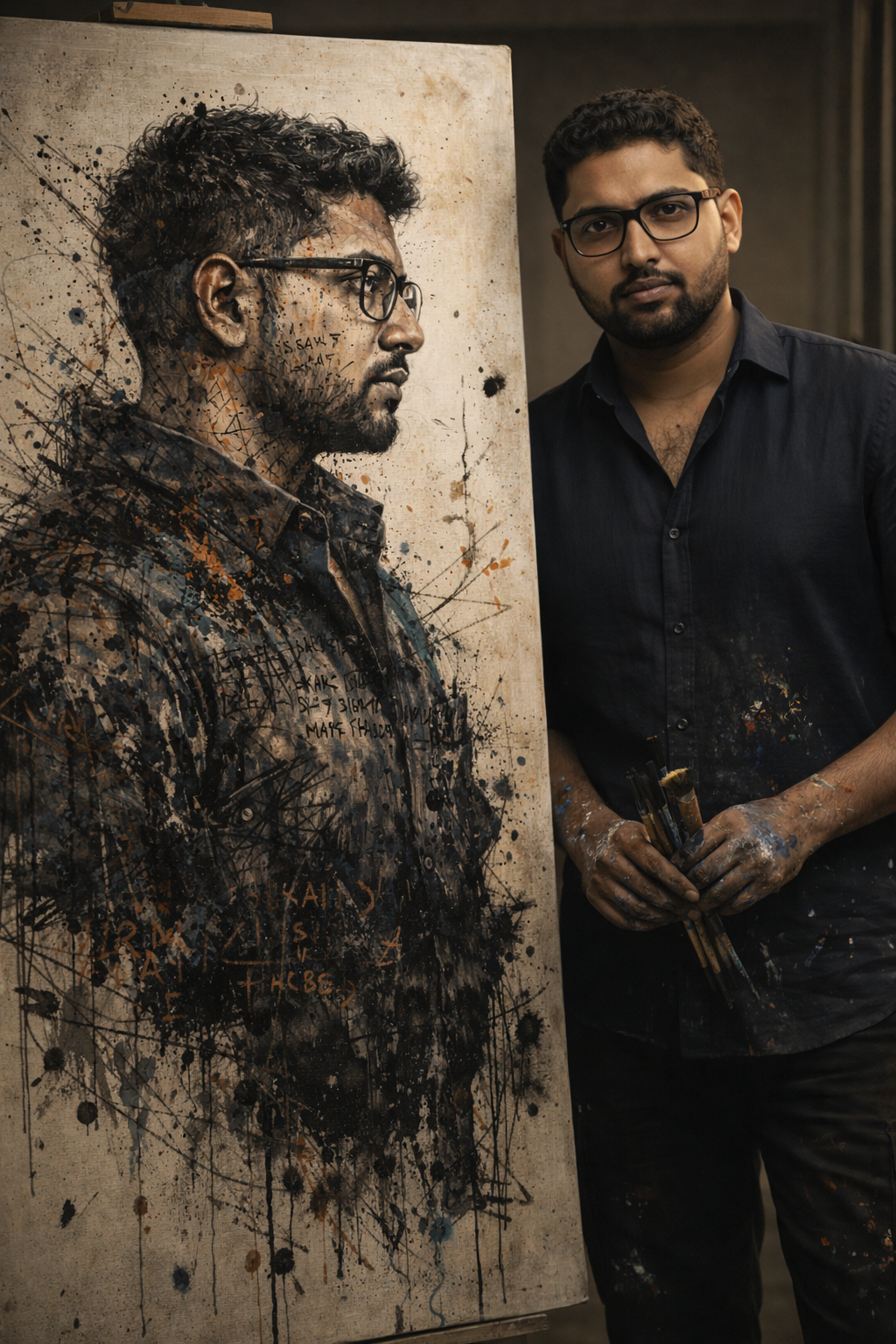
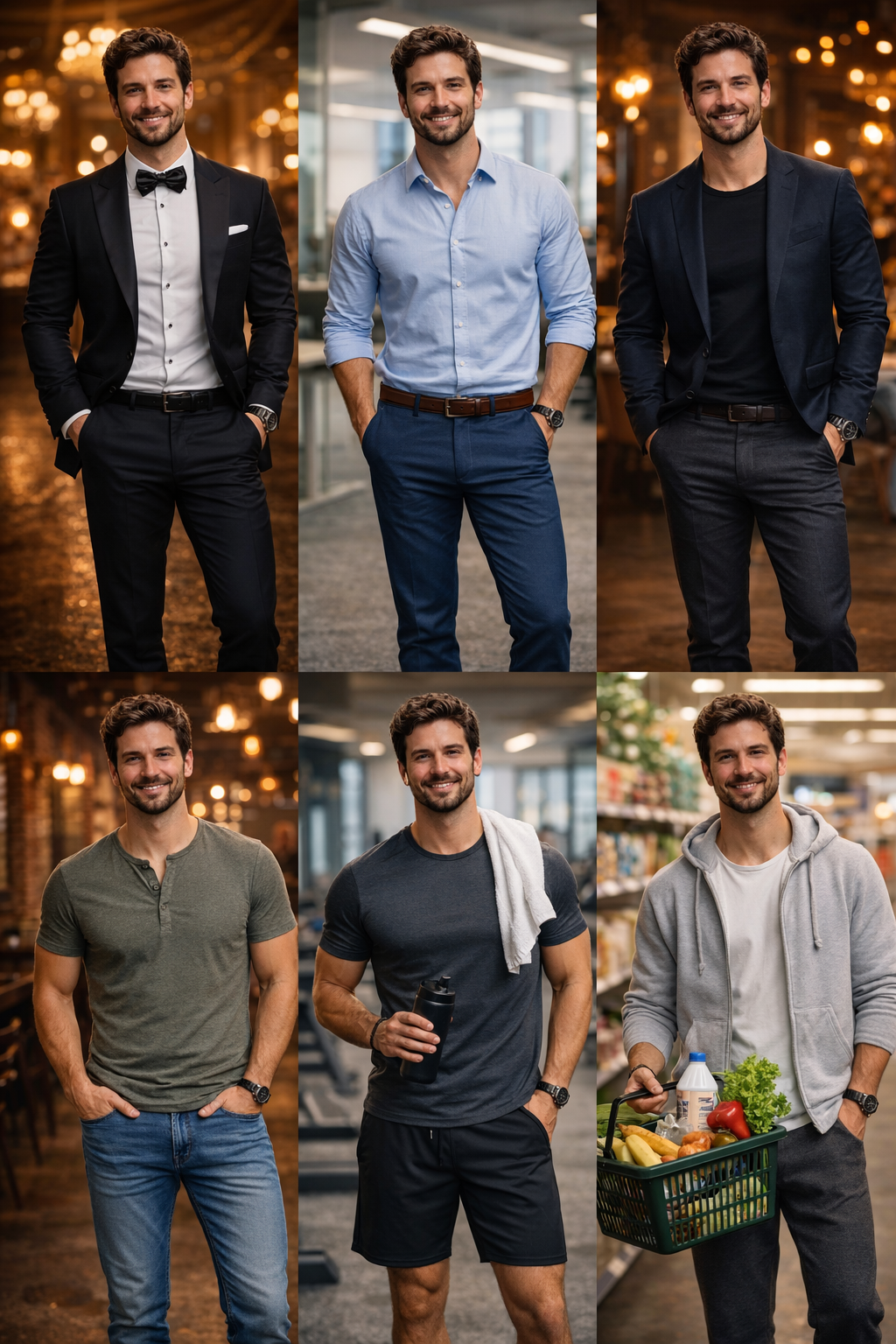
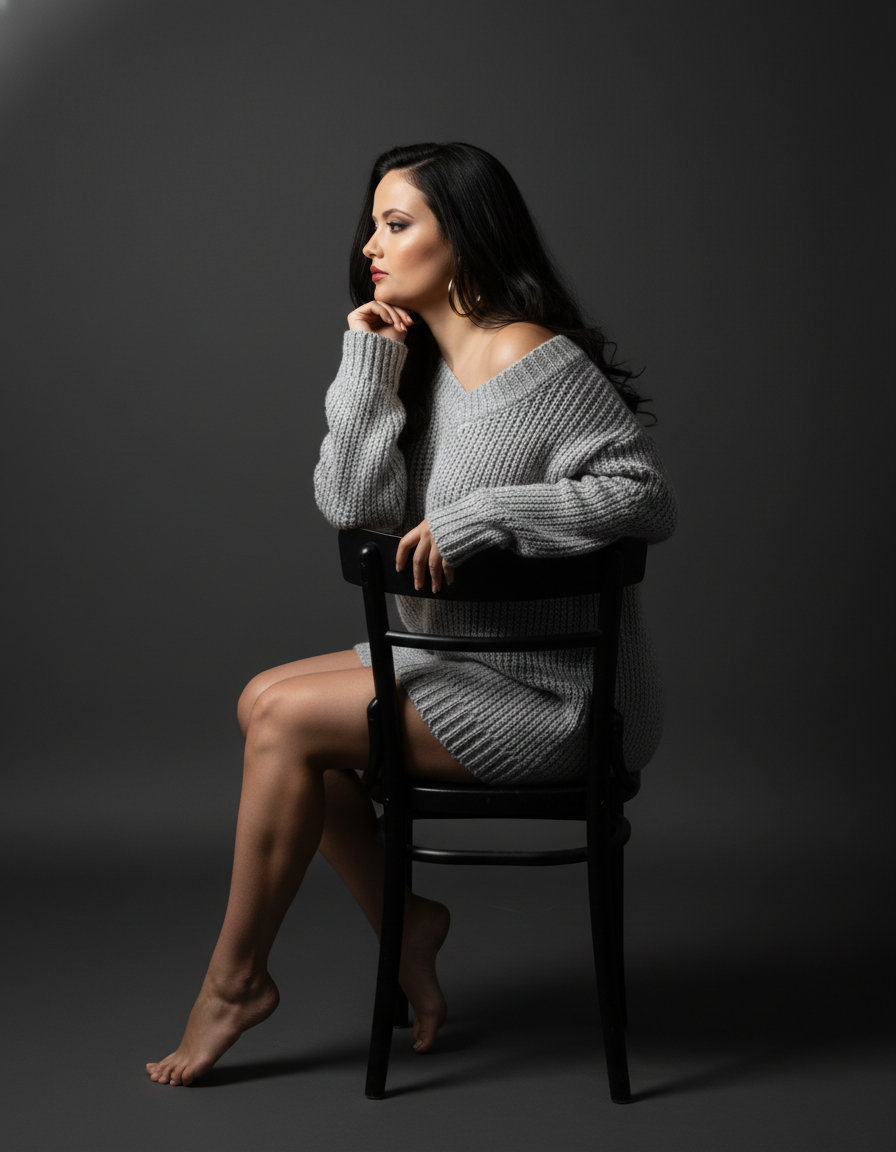
A real person beside their painted alter-ego, one identity across six re-cast outfits, studio-grade reference portraits — all generated with VidGlory's character engine.

Artist standing beside his painted portrait — identity-preserving character reference
Same character recast across six outfit styles with consistent identity
Studio portrait of a woman in a knit sweater as a character reference

Generated end-to-end on VidGlory from single reference photos — no stock photography.

Why Image Character Swap Beats Manual Editing

Swapping a character by hand takes hours of masking. AI does it from one reference.

Identity stays locked across edits

The hardest part of swapping a character is keeping the new face consistent. VidGlory's image character swap preserves facial structure, skin texture and proportions across every swap — the character reads as one person in every edited photo, not a different stranger in each one.

Pose and lighting are inherited

The swapped character inherits the original pose, lighting direction and shadows — no compositing seams, no color-matching sessions. The edit blends because the scene drives the render.

From one reference to a whole series

Cast a character once, then re-cast them across outfits, eras and art styles. A single reference photo becomes a consistent cast member for your whole visual series.

What the Character Swap Engine Does

Identity preservation, outfit swaps and scene re-casting for photos.

Face and identity swap

Replace the person in a photo with your reference character — facial structure, skin texture and expression style carry over so the swap looks natural.

Outfit and style re-cast

Keep the person, change everything else — suits, casual wear, seasonal looks and art styles, all regenerated around the same identity.

Scene re-casting

Move your character into a different scene — new background, new lighting, same person. The engine rebuilds light interaction so the character belongs in the new environment.

Swap a Character in 3 Steps

From reference photo to re-cast image in minutes.

  1. 1

    Upload the photo and reference

    Drop in the original photo plus a clear reference of the new character — front-facing, well-lit, one person or character per reference.

  2. 2

    Prompt the swap

    Say who goes in and how — outfit, style, expression. Seedance 2.0 is preselected to render the swap with identity-consistent results.

  3. 3

    Render and compare

    Preview the swapped photo beside the original, iterate on the prompt if needed, and download full-resolution files. First credits are free.

Who Uses Image Character Swap

Creators and teams that need consistent characters at photo speed.

Story & comic creators

Keep your cast consistent across every panel and chapter — generate the same characters in new scenes without redrawing them.

Marketers & brands

Cast a brand character once and re-cast them across campaigns, seasons and product lines — a recognizable face for every asset.

Photographers

Offer clients character variants from a single sitting — business looks, casual styles and creative edits generated from one session's reference.

Frequently Asked Questions

Recast Your Photo with a New Character

Upload the photo and the reference at the top of this page — render a consistent character swap free, no editing skills needed.