AI Image Upscaler

Small photo, big problem — upscale it. Enlarge images up to 4× with AI that synthesizes real detail instead of stretching pixels: faces stay clean, text stays crisp, and the result is print-ready in minutes.

Product hero
Social ad
UGC take
Listing clip
1
26

Two ways to start:

Free daily credits. No install. No watermark on results.

The Detail an Upscaled Image Has to Keep

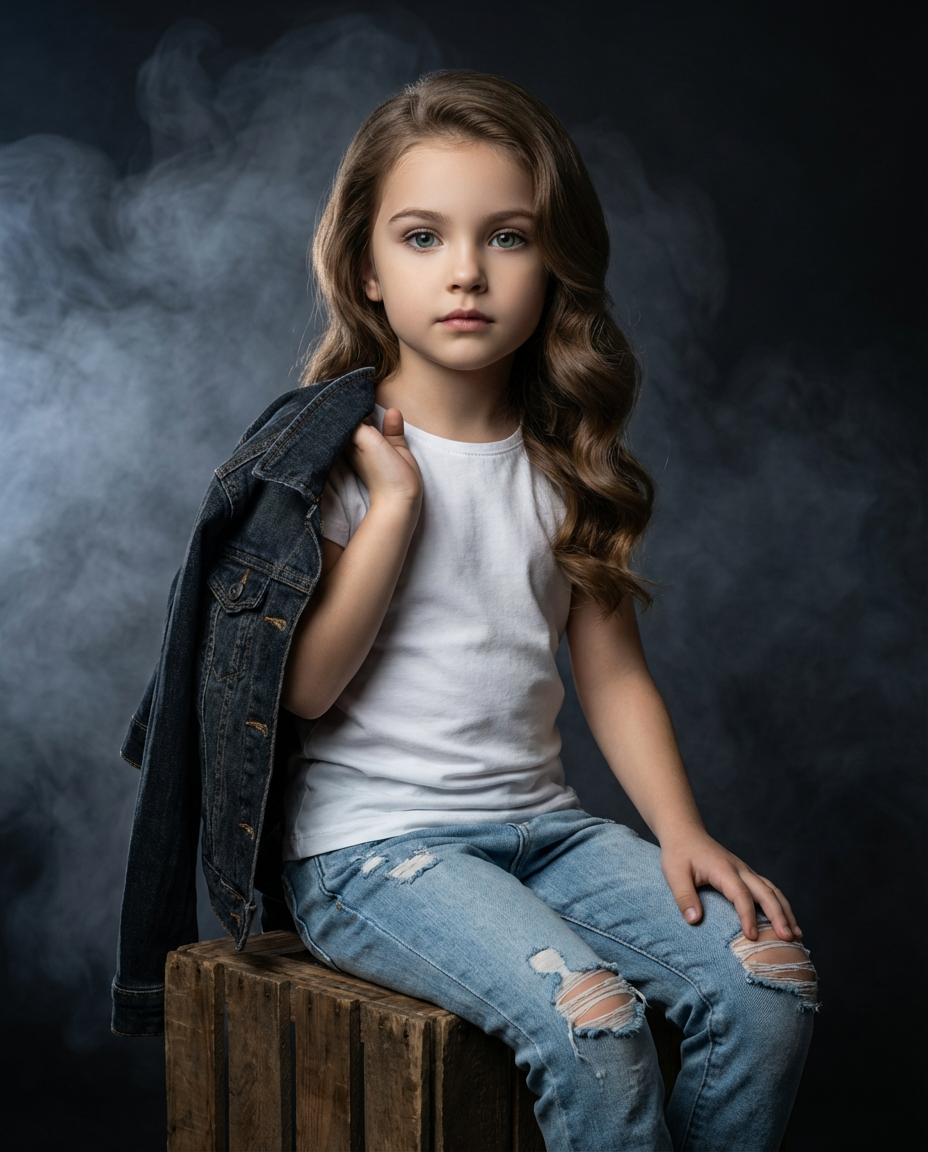
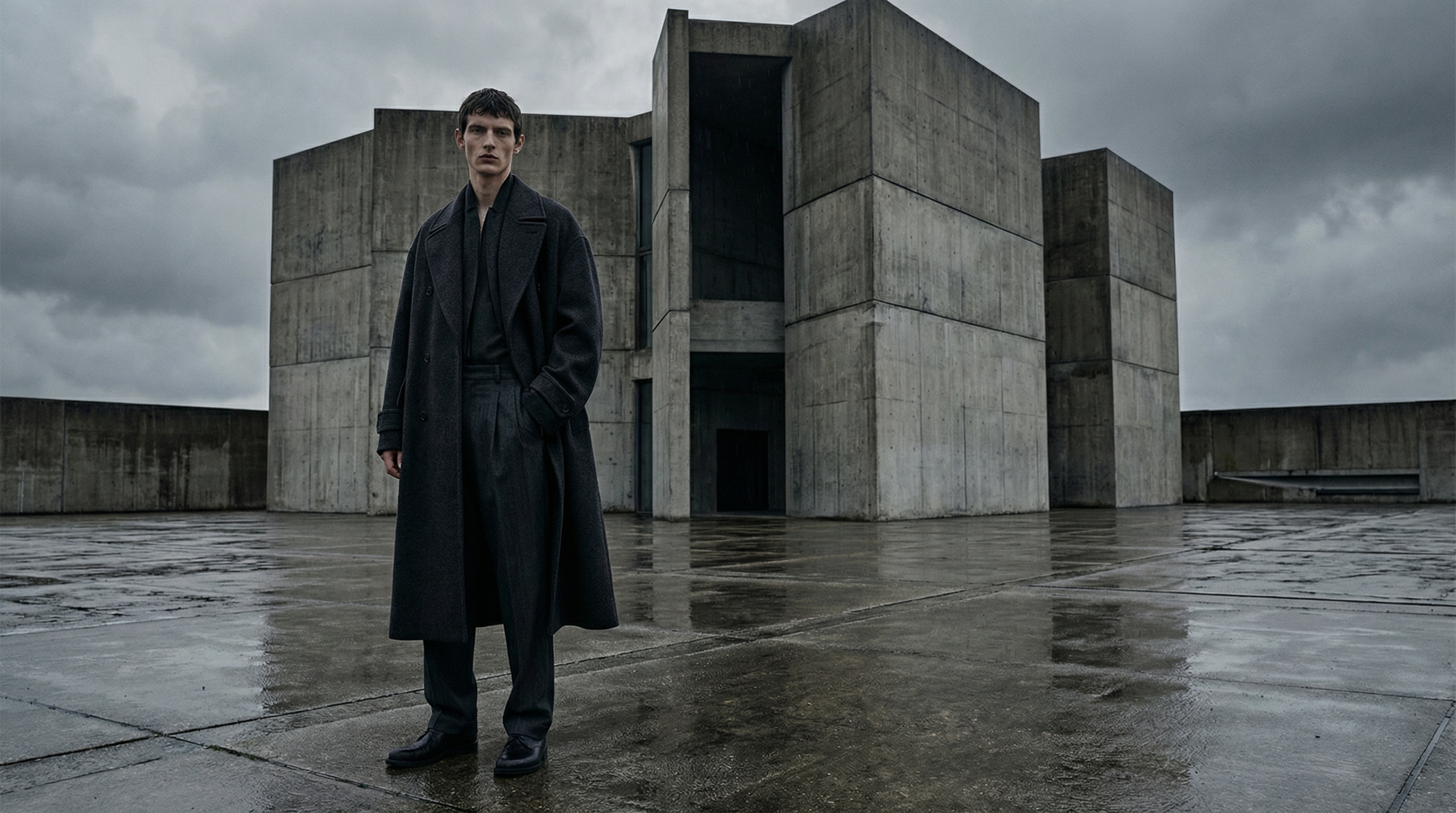
Hair strands, denim weave, concrete seams — upscaling only counts when these survive the enlargement. Every image below carries that level of native detail, the same fidelity VidGlory reconstructs when it upscales a photo.

Studio portrait with crisp hair strands and denim texture preserved at high resolution
Brutalist concrete architecture with crisp panel seams and sharp ground reflections

Delivered by VidGlory's image engine — the same pipeline that renders your upscaled photos.

Why Upscale with AI Instead of Stretching Pixels

Classic interpolation multiplies pixels. AI upscaling rebuilds what the camera should have captured.

Synthesized detail, not smeared pixels

Bilinear and bicubic resize make images bigger by averaging neighbors — the result is a larger blur. An AI image upscaler infers edges, textures and micro-contrast from context, so enlarged photos gain apparent sharpness instead of losing it.

Faces and text stay clean

Enlargement used to melt eyes into mush and turn captions into fuzz. AI upscaling reconstructs facial structure and letterforms explicitly, so portraits stay flattering and overlaid text stays readable at any scale.

Platform-ready in one pass

Marketplaces reject listings under their pixel minimums and print shops warn below 300 DPI. Upscaling to the required resolution in one pass means no re-shoot, no re-render — resize once and submit. That single-pass reliability is what makes AI upscaling a workflow step rather than an experiment.

What the AI Image Upscaler Does

Enlarge, reconstruct and deliver — tuned for real production files.

2× and 4× enlargement

Double a web image for retina screens or quadruple it for print. The upscaler picks the right reconstruction strength for each factor, so 4× output stays natural rather than over-sharpened.

Face and texture reconstruction

Skin, hair, fabric weave and product surfaces are rebuilt with coherent micro-detail — the areas generic resamplers destroy first are exactly where the model concentrates.

Print-ready output

Results download as full-resolution JPG or PNG with no watermark, ready for marketplace listings, ad creative, posters and editorial layouts — at the DPI your print partner asks for.

Upscale an Image in 3 Steps

From small source file to print-ready resolution in minutes — entirely in the browser.

  1. 1

    Upload the image

    Drop in any JPG or PNG. The engine reads edges, faces and textures before enlarging, so reconstruction targets what matters in your photo.

  2. 2

    Choose the scale

    Pick 2× for screens or 4× for print. Seedance 2.0 is preselected to render the enlargement with synthesized detail instead of interpolation blur.

  3. 3

    Render and download

    Preview the upscaled result, re-render at a different factor if needed, and download the full-resolution file. First credits are free.

Who Upscales Images with AI

Anyone whose photo is right — but too small.

E-commerce sellers

Marketplaces enforce pixel minimums on zoomable listing photos. Upscale supplier shots and mobile photos to the required resolution without reshooting the product.

Photographers & retouchers

Rescue crops that lost resolution, deliver gallery prints from modest files, and prepare exhibition-size output — upscaling extends the reach of every frame you keep.

Designers & marketers

Turn a 500-pixel asset into poster background, billboard copy or retina hero art. Upscaled images slot straight into layouts at the size the brief demands.

Frequently Asked Questions

Make That Small Photo Big Enough

Upload the image at the top of this page, pick a scale, and render a print-ready enlargement free — no install, no watermark.